
Question Management is temporarily available in read‑only mode. Read more about this update in our latest announcement: Update on Question Management
It is good to understand that
- the Question Library manages the question for your project.
- in CYOS (Create your own survey) you create the questionnaire for you specific survey.
Steps for Central Coordinators/Project Coordinators:
1. Check Your Question Library:
In the question library you can do the following:
- View the questions
- Verify the accuracy of variables
- Customize order of questions
- Rename subjects
- Add any custom questions if needed. Read more in this article: Custom Questions - Everything you need to know
2. Create your questionnaire:
- Once you have reviewed your Question Library, click on the Create a survey button in your project in My Effectory.
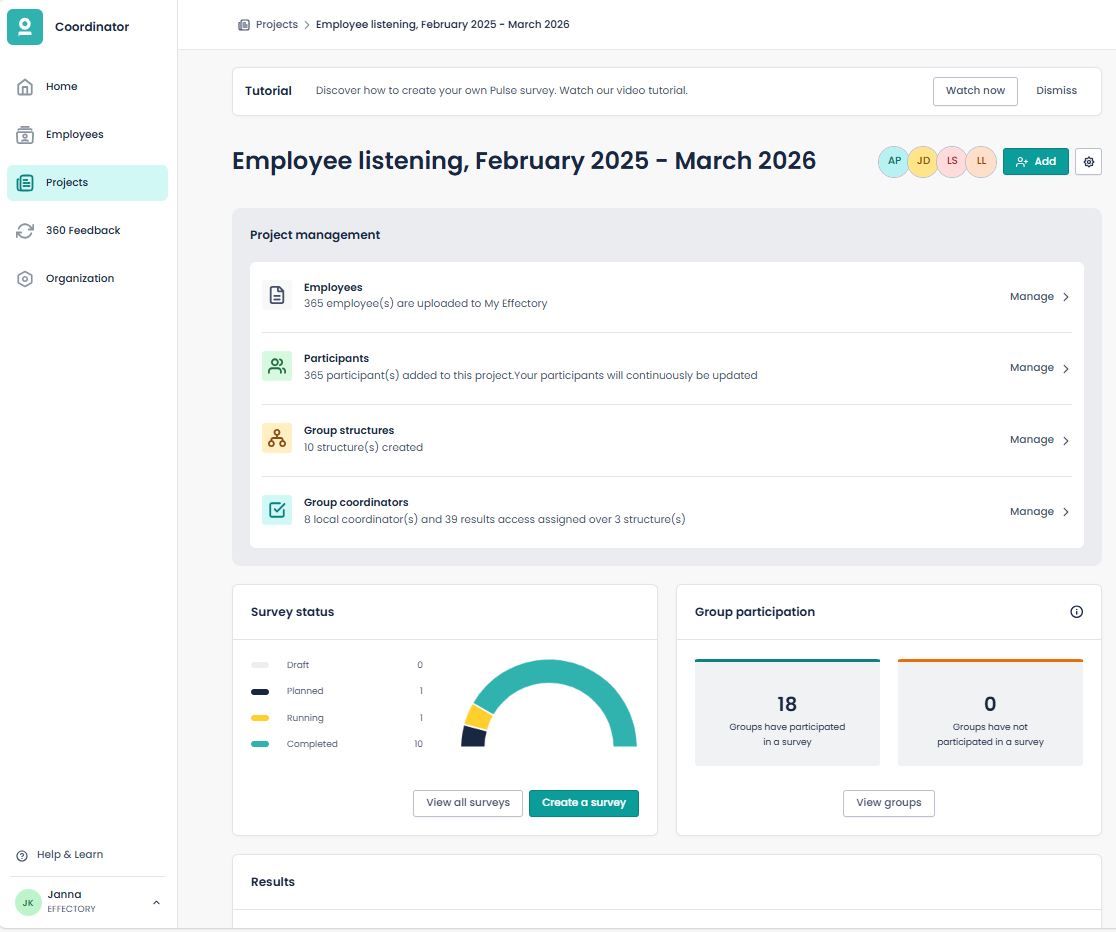
- In the first step of the survey creation process, select the questions you want to include in the specific survey.
- Confirm your choices and launch your survey!
You can find detailed info on how to create a survey - that is choosing questions, selecting participants, choosing the time frame, and selecting the design - in this article: How to create a Survey in My Effectory – Effectory