This article is part of Effectory's resources on confidentiality. For more information about our commitment to the confidentiality of participants' answers and the measures we take to guarantee it, please refer to this article.
Data segmentation (also known as crossings) involves slicing your survey data based on demographic variables, allowing you to explore differences among various groups, such as gender or age categories. To report data segmentation, Effectory follows a structured approach focused on delivering valuable insights while still maintaining confidentiality.
Segmentation is split into automated segments and custom segments, please refer to this article.
Automated (gender, age and tenure) and custom segments
- Net 5 Response Rule: For a data segment to be displayed, every category within that segment must have at least five invited employees and five respondents. If any category in the segment falls below this threshold, the entire segment is hidden from view.
Example: Gender segmentation with 10 male, 10 female, and 2 non-binary respondents → the Gender segment is hidden because the non-binary category does not meet the minimum.
Tip: Ensure categories have at least five employees to prevent entire segments from being hidden due to low participation.
- No Response Rule: If a category within a segment has no responses, only that specific category is hidden. The remaining categories are shown as normal.
Example: Gender segmentation with 10 male, 10 female, and 0 non-binary respondents → Male and Female are shown; Non-binary is hidden.
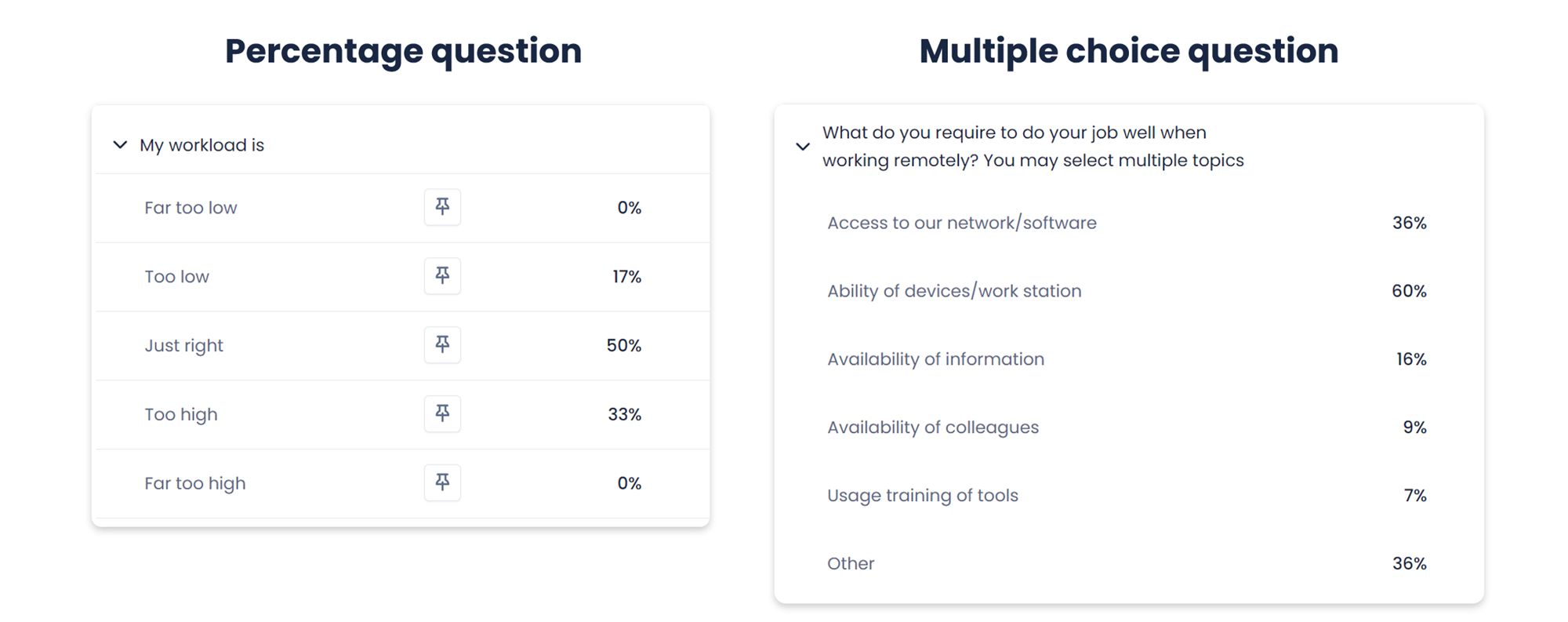
- Non-Likert scale questions: Data segmentation insights are not provided for percentage questions and multiple-choice questions., as they provide insights that increase the risk of individual traceability when applying data segments to their scores.
- Answers to open-ended questions: Data segmentation is not applied to answers to open-ended questions.