
Printable invitations are generated automatically within 2 hours before the survey starts. You can generate them earlier if needed. This article explains when to do so and what happens to login codes if participant data changes afterwards.
When are printable invitations generated?
- Automatically: within 2 hours before the survey starts. You receive an email notification when the invitations are ready to download. Generation time depends on the number of participants.
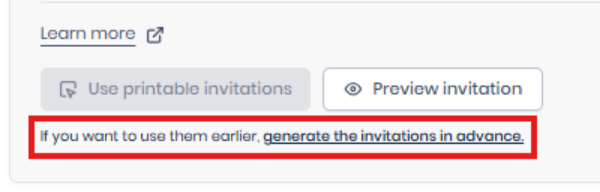
- Early (on request): Central Coordinators and Project Coordinators can generate invitations up to 2 hours before the survey starts.
Generating early is useful when you need to distribute a large number of invitations, or when distribution takes place at several locations.
We recommend generating early only when it is really necessary, because participant data may still change before the survey launches.
When should you regenerate invitations?
If participant data changes after invitations have been generated, My Effectory shows a notification on the survey overview page recommending that you regenerate them. Download a new set of invitations after you:
- Add employees
- Remove employees
- Update employee information
What happens to existing login codes?
Regenerating invitations does not automatically create new login codes. The effect depends on the type of change:
|
Change to participant data |
Result |
|
Employee is removed from the participant file |
The login code is disabled. |
|
Employee attributes change (for example group assignment or date of birth) |
The login code stays the same. |
|
Employee name changes |
The updated name appears on the invitation PDF. The login code stays the same. |
Existing participants can keep using their valid login codes. Depending on the type of change, you can decide whether new printouts are needed.
Example
You generate printable invitations before the survey starts. Afterwards, two employees without an email address are added and one is removed.
The previously downloaded package no longer matches the participant list. Download a new set of printable invitations. The new package contains invitations for the added employees and leaves out the removed employee.
Things to know
- We advise to regenerate invitations whenever participant information changes.
- Login codes usually stay the same when employee information is updated.
- Login codes are disabled when employees are removed from the survey.
- The notification in My Effectory helps you see when regeneration is recommended
Related articles